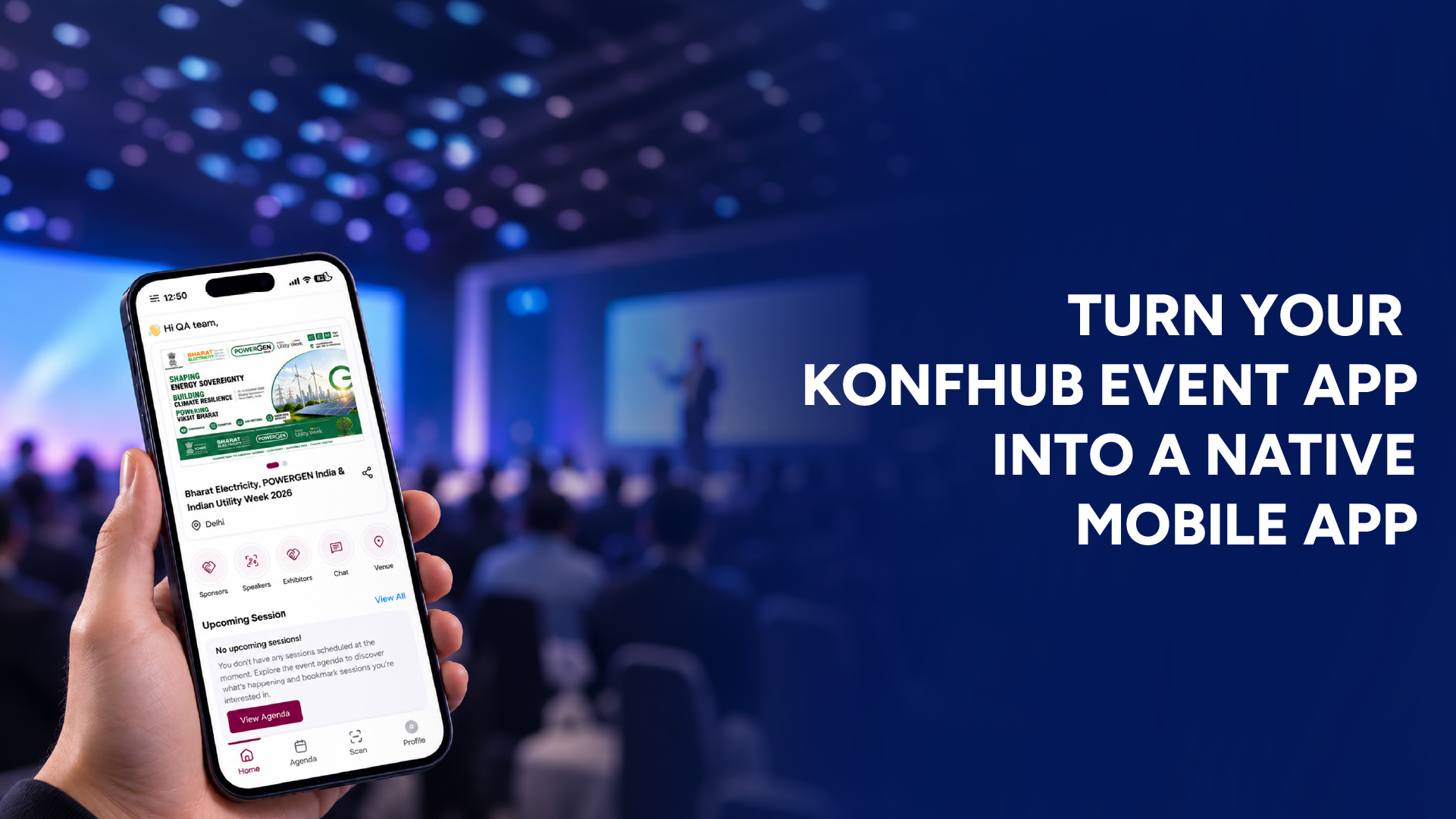
An event app can make it much easier for attendees to access schedules, speakers, announcements, networking features, and other event information from one place. Until now, KonfHub’s Event App was available as a Progressive Web App (PWA), allowing attendees to access it through a web-based mobile experience.
With KonfHub’s new Native Event App capability, organizers can now take that experience one step further.
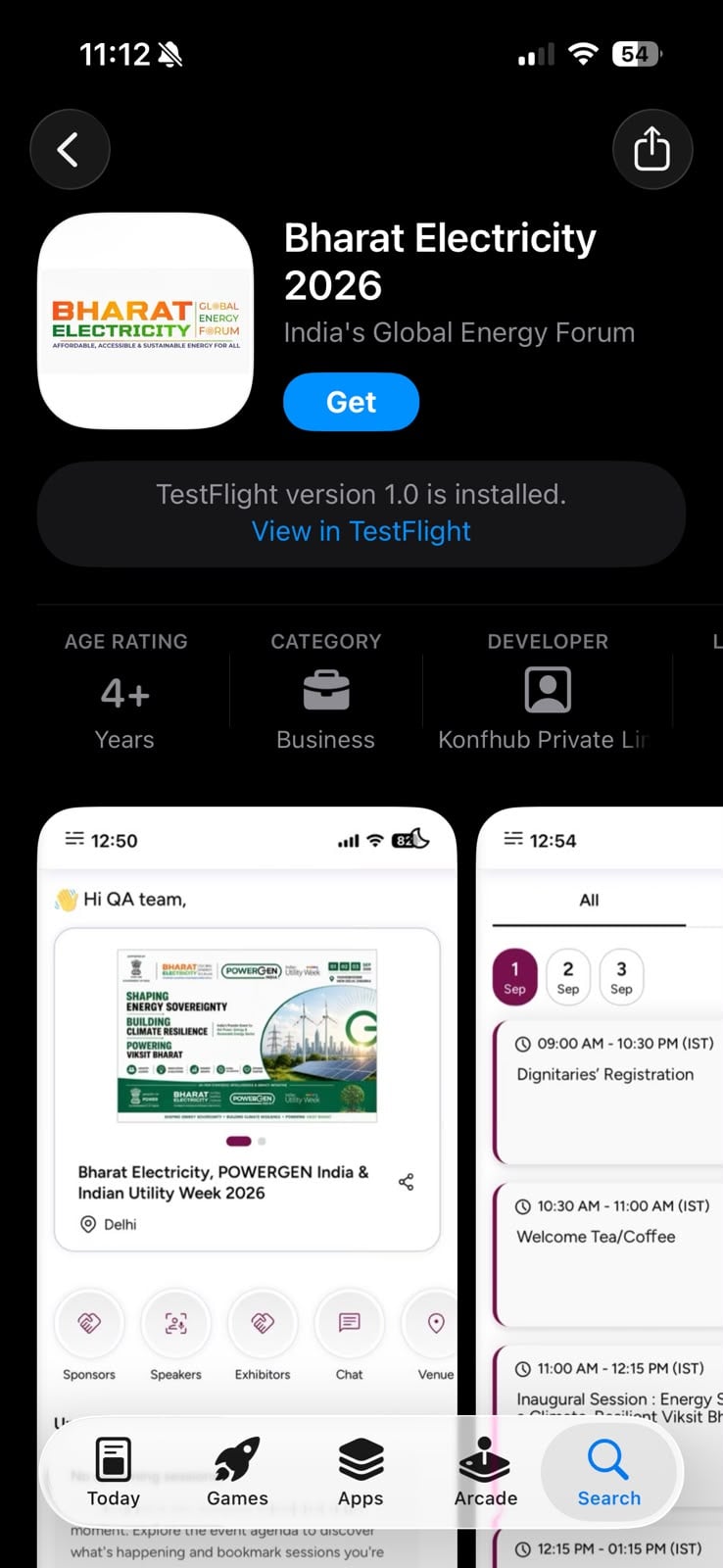
Instead of asking attendees to access the event app through a browser, organizers can have their event app packaged and submitted to the Google Play Store and Apple App Store. Once approved and published, participants can download the app directly from the store on their phones.
What Is the Native Event App in KonfHub?
The Native Event App allows organizers to turn their existing KonfHub Event App into a mobile application that can be distributed through the official app stores.
The process of creating and managing the event app remains familiar. Organizers can set up their event app with the required content and features in KonfHub. The difference is that the app can now be prepared for submission to the Play Store and App Store.
Once the respective store approves the application, attendees can find and download it just like any other mobile app.
This gives organizers a more dedicated mobile presence for their events while making the event app easier for attendees to access from their phones.
From PWA to a Native App
The earlier PWA-based Event App allowed participants to access the event experience without installing a traditional app from an app store.
With the native version, the event app can be made available through:
Google Play Store for Android users
Apple App Store for iPhone users
This is particularly useful for conferences, large-scale events, communities, and recurring events where attendees are expected to use the event app throughout the event.
The app can continue to bring together important event information such as the agenda, speakers, sponsors, exhibitors, networking, notifications, Q&A, polls, and other modules enabled by the organizer.
How Does the Native Event App Work?
The process starts in much the same way as creating an Event App in KonfHub.
1. Create and configure your Event App
The organizer first creates the Event App and adds the relevant event information and modules.
Depending on the event setup, this can include:
2. Prepare the app for store submission
Once the event app is ready, the required information and assets need to be provided for app store submission.
This includes app details, branding, screenshots, privacy information, support details, and other information required by the respective app store.
3. Submit the app for review
The app is then submitted to the relevant store.
Both Apple and Google have their own review and publishing requirements, so the app needs to meet the applicable guidelines before it can be made publicly available.
4. Attendees download the app
After approval and publication, participants can download the event app from the relevant app store.
Instead of sharing only a web link, organizers can direct attendees to the app's listing on the Google Play Store or Apple App Store.
What Does the Organizer Need to Provide?
Creating the native app involves more than simply converting the existing Event App into an app-store download.
Organizers need to provide certain information and assets so that the app can be submitted and reviewed successfully.
Here is what you should keep ready.
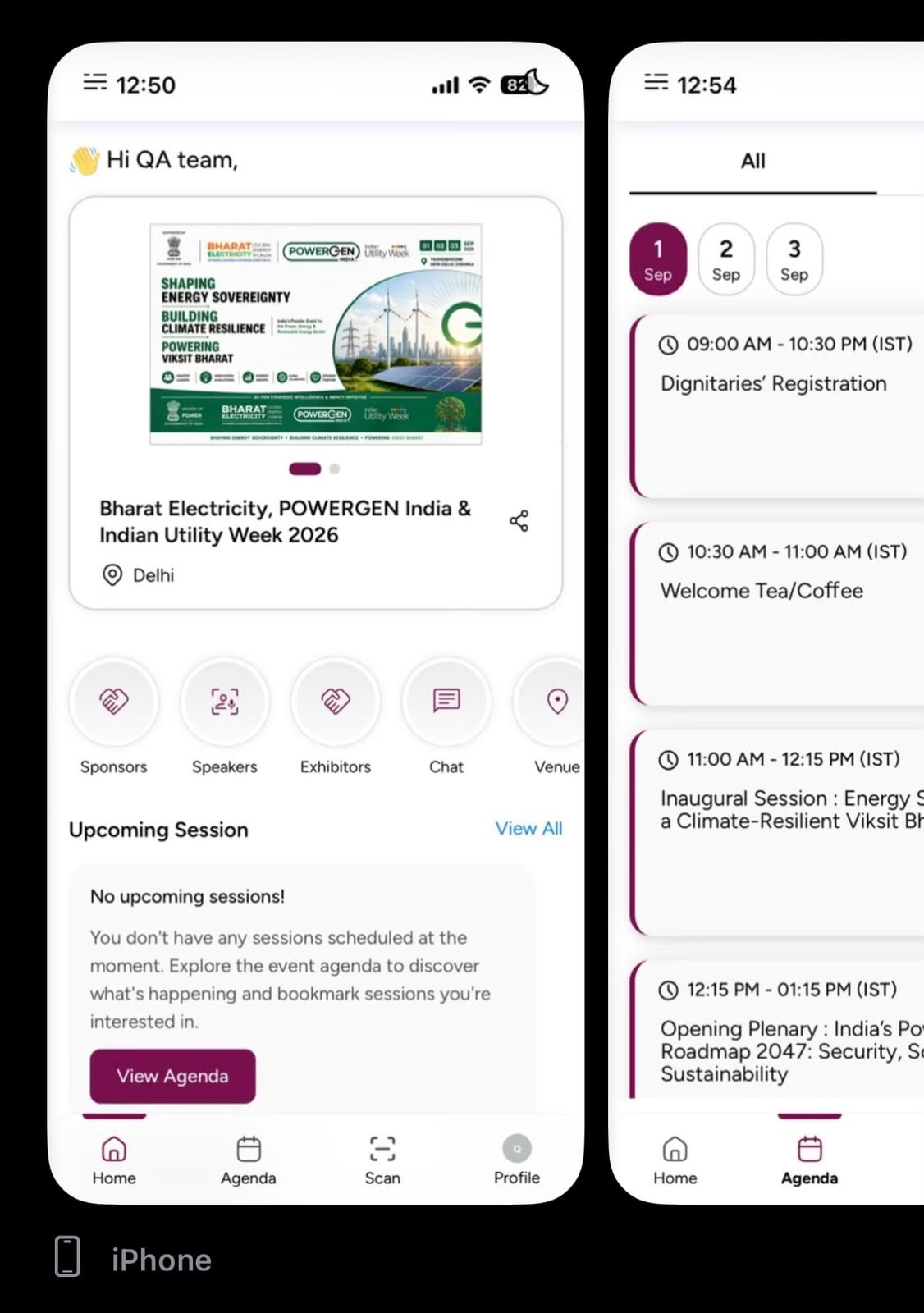
App Store Screenshots
Screenshots of the event app need to be provided for the app store listing.
These screenshots give potential users a preview of what they can expect after downloading the app.
Organizers should also provide:
Approval to use the submitted screenshots
Any specific screens they want highlighted
Any particular branding or app experience they want showcased
For example, if networking is one of the key parts of your event, you may want the networking screen to be featured prominently in the app listing.
Privacy Policy
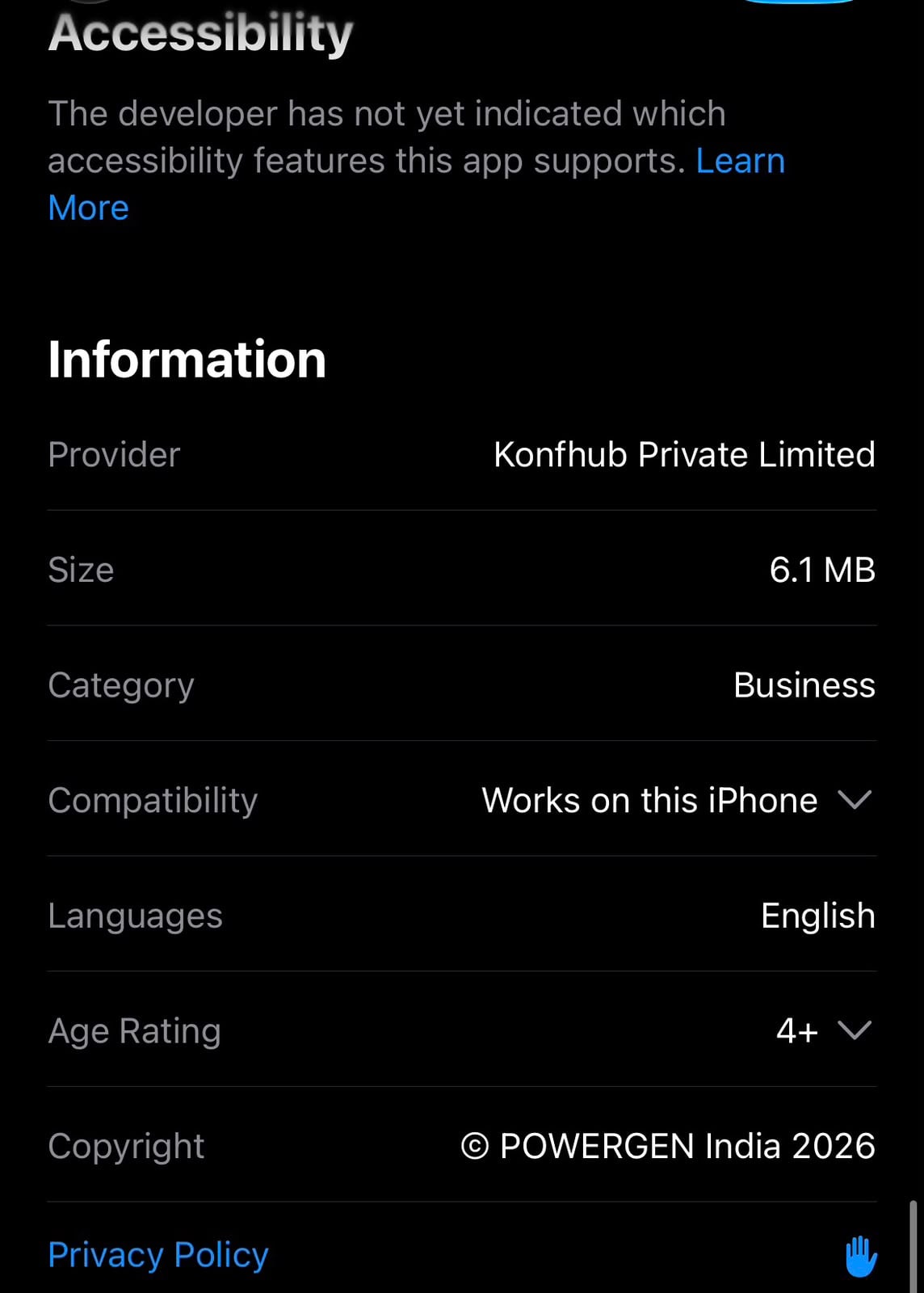
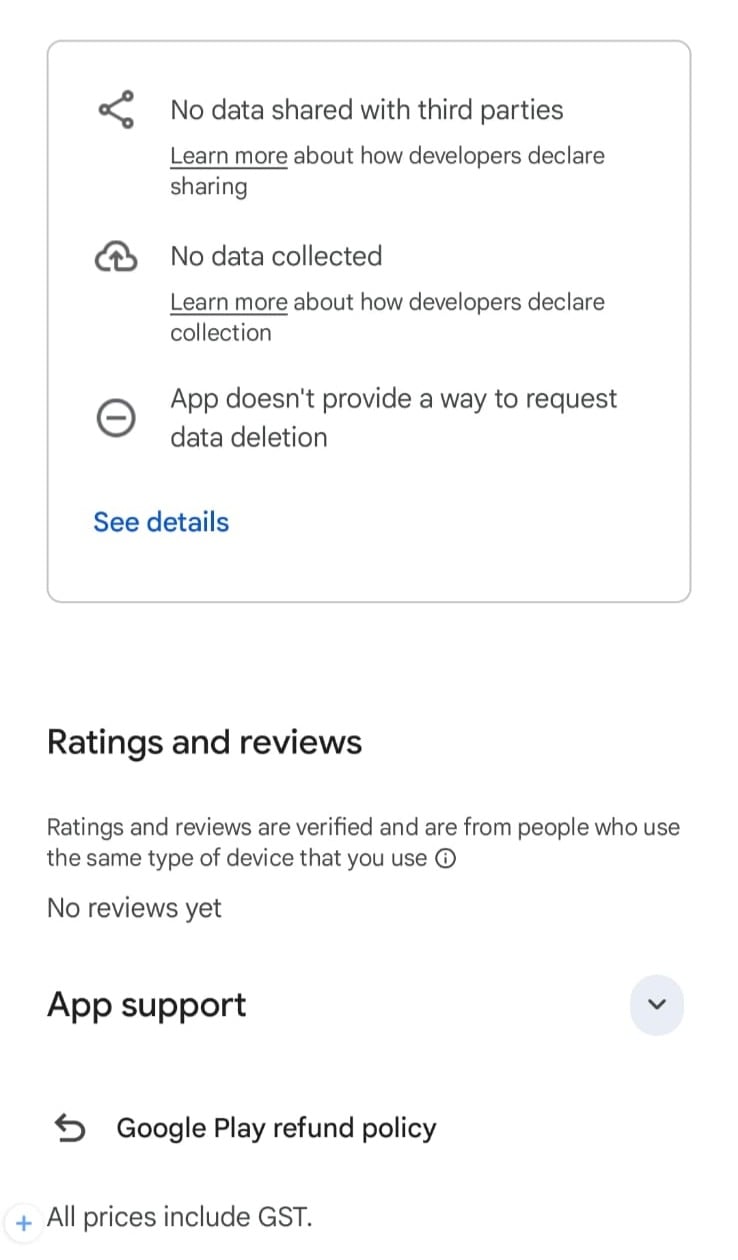
A privacy policy is required for the app.
Organizers need to provide the final Privacy Policy URL that can be associated with the application.
It is important to make sure that the provided privacy policy is final and accessible before the app is submitted for review.
Support Information
Organizers also need to provide support or contact information for attendees.
This can be:
A support/contact URL
A support email address
This gives users a way to reach the appropriate support team if they face issues with the app.
App Availability
Organizers need to specify the countries or regions where the application should be available.
This is useful when an event is intended for a particular geographic audience or when the organizer does not want the app to be distributed globally.
Requirements for an Android App
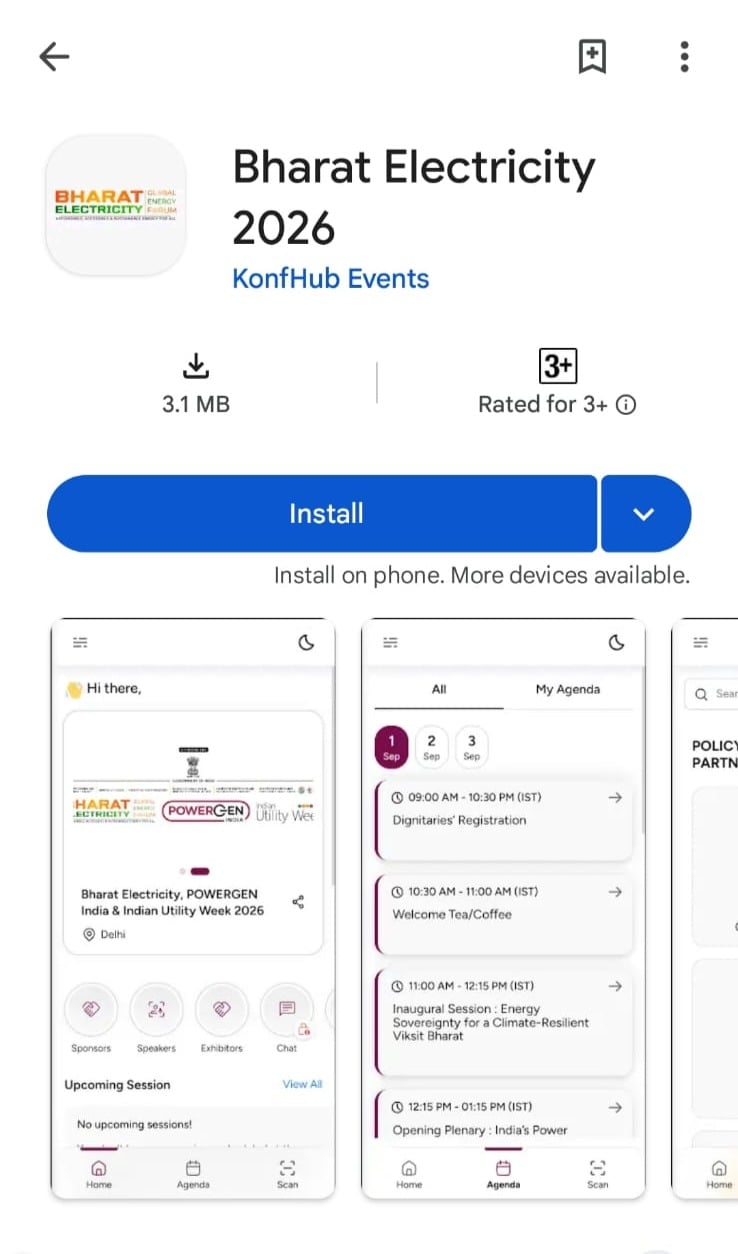
For an Android app that will be submitted to the Google Play Store, organizers need to provide specific app information and visual assets.
App Information
App Name
The app name can be a maximum of 30 characters.
This is the name that will be displayed to users on Google Play.
For example, an event could use a name such as:
TechConnect 2026
Short Description
The short description can contain up to 80 characters.
It should briefly explain what the app is for and what attendees can do with it.
Full Description
The full app description can contain up to 4,000 characters.
The description should be provided as plain text without formatting.
This is where organizers can explain the event, its purpose, and what participants can access through the app.
Visual Assets
The Android app listing also requires visual assets.
App Icon
Recommended size: 512 × 512 px
Maximum file size: 1 MB
The icon should clearly represent the event or organization and should remain recognizable even at a small size.
Feature Graphic
Recommended size: 1024 × 500 px
Maximum file size: 15 MB
The feature graphic can be used to visually represent the app on its Google Play listing.
Phone Screenshots
Organizers need to provide 2 to 8 phone screenshots.
The screenshots must meet the following requirements:
PNG or JPEG format
Maximum 8 MB per screenshot
16:9 or 9:16 aspect ratio
Each side must be between 320 px and 3,840 px
These screenshots should showcase the most useful parts of the event app rather than simply displaying random screens.
For example, organizers may choose to highlight the agenda, speaker profiles, networking, event announcements, or interactive features.
Seven-Inch Tablet Screenshots
Up to eight 7-inch tablet screenshots can be provided.
Requirements include:
PNG or JPEG format
Maximum 8 MB per screenshot
16:9 or 9:16 aspect ratio
Each side between 320 px and 3,840 px
Ten-Inch Tablet Screenshots
Up to eight 10-inch tablet screenshots can also be provided.
Requirements include:
PNG or JPEG format
Maximum 8 MB per screenshot
16:9 or 9:16 aspect ratio
Each side between 1,080 px and 7,680 px
Providing the appropriate screenshots helps present the app properly across different Android devices
App Review Information
App store review teams may need to access parts of the application before approving it.
Organizers therefore need to provide the relevant app review information.
This includes:
Review Contact Information
Provide the contact information that can be used by the app review team if they need clarification or assistance during the review process.
Demo Account or Login
If the app requires users to log in to access its features, a demo account or login credentials may need to be provided for the review process.
This allows the review team to access the application and verify its functionality.
Why Should Organizers Consider a Native Event App?
A native app can make the event experience feel more like a dedicated mobile product rather than an event website.
For organizers, it can also provide a more convenient way to distribute the event app to attendees.
Instead of repeatedly sharing a web link, organizers can direct attendees to the event's listing on the relevant app store.
It can be particularly useful for events where attendees need to keep checking the app throughout the event for:
Agenda updates
Session information
Speaker details
Notifications
Networking
Polls and Q&A
Event resources
Sponsor and exhibitor information
For multi-day conferences and larger events, having these features available through an installed mobile app can make the event experience easier to access.
Native Event App vs PWA: What's the Difference?
The biggest difference is how attendees access the application.
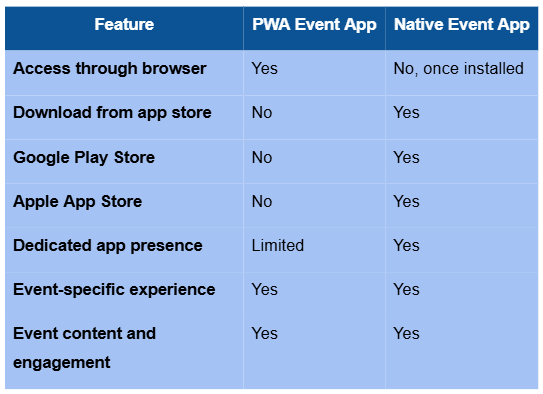
The native app essentially provides another distribution option for the Event App experience, allowing organizers to make their event app available through official mobile app stores.
A More Dedicated Mobile Experience for Your Event
An event app is no longer just a place to check the schedule. It can become the central mobile hub for everything attendees need during an event, from finding sessions and speakers to networking with other participants and interacting with sessions.
With KonfHub's Native Event App, organizers can now take the Event App experience beyond the browser and make it available through the Google Play Store and Apple App Store.
The important part is to prepare the required app information, screenshots, branding assets, privacy policy, support details, and review information before submission.
Once the app is approved and published, attendees can simply download it from the relevant app store and access their event from their mobile devices.
Ready to take your KonfHub Event App to the app stores? Set up your Event App, prepare the required assets, and get in touch with the KonfHub team to begin the native app submission process.
FAQs
- What is KonfHub’s Native Event App?
KonfHub’s Native Event App allows organizers to make their existing Event App available as a mobile application through the Google Play Store and Apple App Store.
- What is the difference between the Native Event App and the PWA?
The PWA can be accessed through a browser without installing an app. The Native Event App can be downloaded directly from the Google Play Store or Apple App Store, providing attendees with a more dedicated mobile experience.
- What information does an organizer need to provide for the Native Event App?
Organizers need to provide app store screenshots, approval to use the screenshots, any specific screens or branding they want highlighted, a final Privacy Policy URL, support information, app availability regions, and other app-store-specific details.
- Does the Native Event App support both Android and iPhone users?
Yes. The app can be submitted to both the Google Play Store for Android users and the Apple App Store for iPhone users, subject to the respective store's approval requirements.
- Can attendees download the Native Event App directly from the app stores?
Yes. Once the app is approved and published, attendees can download it directly from the relevant app store instead of accessing the event app only through a web link.
About the author
KonfHub is an AI-powered, GDPR-compliant platform for seamless ticketing, secure attendee management, and smooth event operations. Say goodbye to complexity and hello to seamless, powerful event management!
Comments
Join the discussionNo comments yet. Be the first to comment.