Planning an event may look straightforward on paper, but the real test begins when attendees start arriving. Even with a detailed schedule, well-planned floor layout, and trained staff, unexpected arrival patterns, missing registration details, long queues, and technical issues can quickly affect the attendee experience.
This is where event check-in management becomes critical. It is not simply about scanning tickets or marking attendance.
A well-designed event check-in process needs to account for peak arrival times, attendee flow, staff readiness, registration data, badge printing, and the reliability of the technology being used.
For event organizers, the goal should be more than processing attendees quickly. The check-in experience should be simple, predictable, and easy to manage, even when hundreds or thousands of people arrive within a short period.
This guide explores practical event check-in best practices that can help organizers reduce bottlenecks, improve attendee flow, and create a smoother start to the event.
The Real Starting Point Is Not Technology - It’s Arrival Behaviour
Most organizers begin planning check-in by asking what tools they’ll use. QR scanning, kiosks, badge printers, facial recognition - the conversation starts with technology.
That’s backwards.
The first question that matters is when people actually arrive.
In most events, arrivals don’t distribute evenly. They compress. Attendees anchor their arrival to moments they care about: the first keynote, a speaker they don’t want to miss, the opening of the exhibition floor. When check-in overlaps with those moments, pressure spikes.
Designing for total attendance instead of peak arrival windows is how bottlenecks get baked in before the event even begins.
Once you understand arrival compression, decisions about staffing, layout, and tooling stop being guesswork. They become responses to reality.
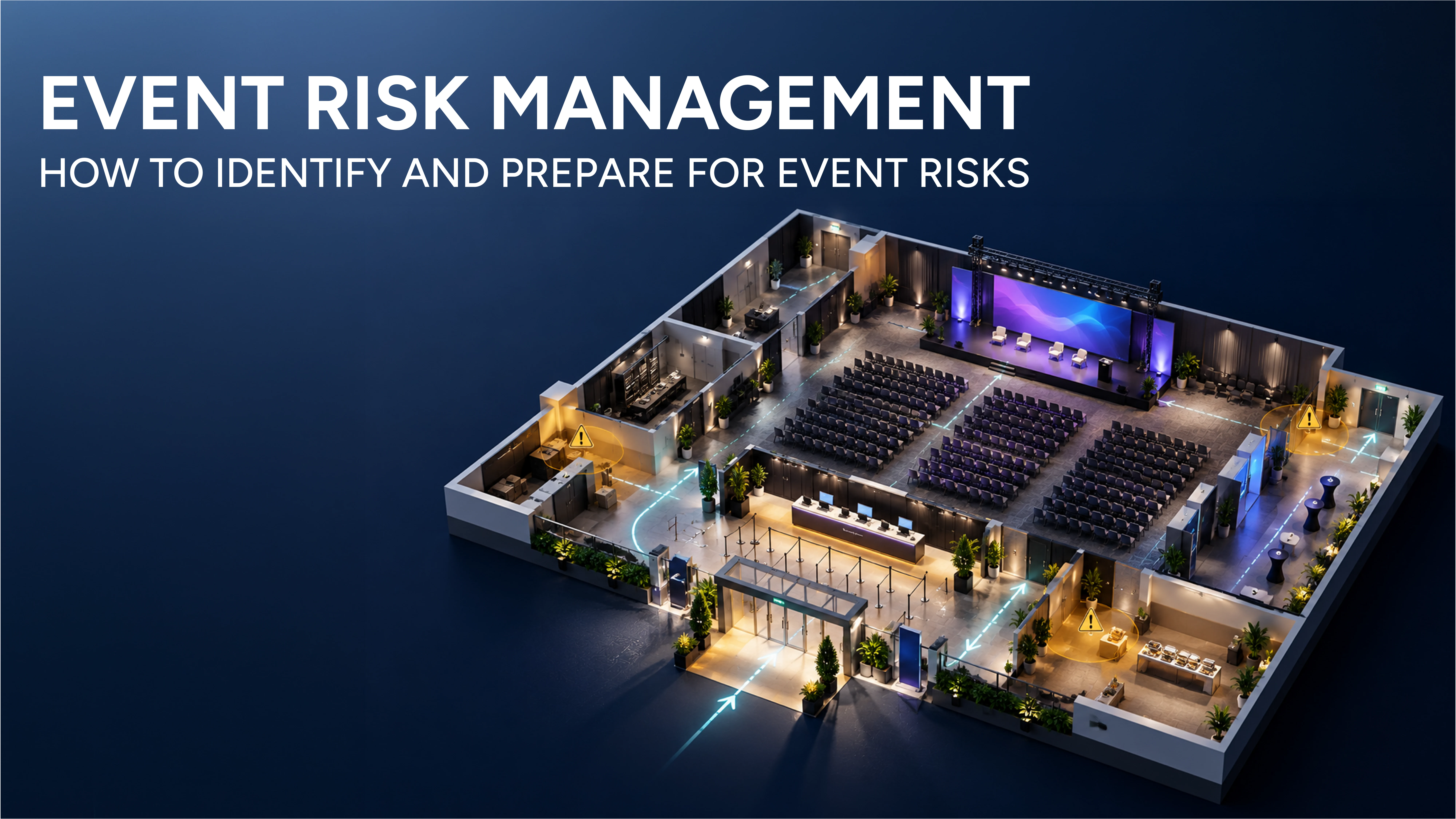
Why Layout Matters More Than Speed
Check-in rarely slows down because scanners are slow. It slows down because people hesitate.
They hesitate when they don’t know where to go, when lines aren’t clearly differentiated, when they realise too late that they’re missing something, or when they see another line moving faster and second-guess their choice.
A good check-in layout doesn’t optimise movement. It minimises decision-making.
When someone walks in, they should immediately understand where they belong and what happens next, without asking a question or reading more than a few words. Every additional moment of uncertainty compounds across hundreds or thousands of attendees.
This is why layout planning should focus less on how many desks you have and more on how few moments of hesitation you allow.
Segmentation Is Not About Control - It’s About Protecting Flow
One of the most common mistakes at check-in is treating all attendees as equal units moving at the same speed.
They’re not.
Someone who arrives with a QR code open and screen brightness up can be processed in seconds. Someone who needs to search their inbox, reset a password, or register on the spot introduces friction that can ripple backwards through the line.
When these people are mixed together, everyone pays the price.
Effective segmentation isn’t about being rigid. It’s about protecting the fastest paths so they stay fast, while creating space for slower resolutions to happen without blocking others. This single decision often does more to improve check-in speed than adding more staff or devices.
Bonus Read: How Event Check-In Apps Improve Event Experience
Technology Should Reduce Thinking at the Desk
The moment staff have to stop and think, check-in slows.
Good check-in technology fades into the background. It confirms clearly, responds instantly, and behaves predictably even when connectivity is unstable. Staff shouldn’t need to interpret ambiguous states, switch between tools, or decide which workaround applies.
This is also why offline capability matters more than most teams realise. It’s not about catastrophic failure. It’s about consistency. If scanning continues exactly the same way regardless of network conditions, staff behaviour stays steady and attendees never notice there was a problem at all.
That’s the bar technology should meet.
Badge Printing Is a Flow Design Problem, Not a Hardware Problem
When badge printing creates congestion, the instinct is to blame the printer.
In practice, the issue is almost always spatial. Printers placed too close to scanners cause people to stop moving. Attendees wait in the wrong place. Staff get pulled into resolving micro-blockages instead of keeping the line moving.
Printing works when it’s treated as a downstream step, not the focal point of the interaction. The attendee’s mental journey should already be complete by the time the badge prints. Anything that forces them to pause, turn around, or ask what happens next creates unnecessary friction.
Staff Training Is About Judgment, Not Instructions
No checklist can cover every situation that arises during check-in.
What separates calm check-in teams from stressed ones is not familiarity with buttons, but confidence in judgment. Knowing when to pull someone aside. Knowing when not to. Knowing which issues are worth resolving immediately and which should be redirected.
This judgment only comes from scenario-based preparation, not tool demos.
Teams that understand the intent of the system - keep flow moving, resolve exceptions away from the main path, protect momentum - adapt far better when something unexpected happens.
During the Event, Momentum Matters More Than Perfection
Once doors open, the goal shifts.
You are no longer optimising for correctness in every edge case. You are optimising for momentum.
A line that moves steadily feels shorter than a line that pauses, even if the total wait time is similar. Visible motion reassures attendees. It signals competence.
This is why small operational behaviours - roaming staff reminding people to prepare tickets, redirecting stalled guests early, actively balancing lines - have outsized impact. They protect the rhythm of arrival, which shapes first impressions far more than raw speed metrics.
After the Event, Look for Patterns, Not Blame
Post-event check-in data is most useful when it’s treated as a diagnostic tool, not a report card.
Average check-in time rarely tells the full story. What matters is where pressure concentrated, which segments caused slowdowns, and how often staff had to intervene manually.
These patterns reveal structural issues that can be fixed upstream next time. Over time, this is how check-in stops being a recurring stress point and becomes a predictable, trusted part of your operation.
Where KonfHub Fits Into This Way of Thinking
KonfHub approaches check-in as part of an integrated event system rather than a standalone task.
The Check-In App is designed to be fast, reliable, and forgiving under real conditions. It works offline, syncs automatically, and connects naturally with the Attendee App and session access logic.
The value here isn’t novelty, it’s consistency. Less thinking at the desk. Fewer decisions under pressure. Cleaner data afterwards.
That’s what makes check-in manageable at scale.
Conclusion
A successful event check-in process should feel effortless for attendees and predictable for the event team. The goal is not simply to scan tickets faster, but to remove the friction that can create queues, confusion, and unnecessary pressure at the entrance.
Effective event check-in management starts with understanding attendee arrival patterns and continues through clear queue layouts, well-trained staff, reliable technology, and efficient badge printing and attendance tracking.
When these elements work together, organizers can handle peak arrival periods without compromising the attendee experience.
The right event check-in system can make this process easier by reducing manual work, providing accurate attendee data, and helping staff respond quickly when issues arise.
More importantly, reviewing check-in data after the event can reveal where bottlenecks occurred and what can be improved next time.
Ultimately, the best event check-in experience is one attendees barely notice. They arrive, check in, receive what they need, and move confidently into the event. That seamless flow is a strong sign that your event check-in strategy is working as intended.
FAQs:
What is event check-in management?
Event check-in management is the process of registering and verifying attendees when they arrive at an event. It can include ticket or QR code scanning, attendee verification, badge printing, attendance tracking, and managing on-site registration.
How can event organizers speed up the check-in process?
Organizers can speed up event check-in by preparing multiple check-in points, separating attendee types, using QR code scanning, training staff in advance, and making registration information easy to access. Planning for peak arrival periods is also important to prevent queues.
What should an event check-in system include?
A reliable event check-in system should support fast attendee verification, QR code or ticket scanning, real-time attendance tracking, multiple check-in stations, and easy attendee management. For larger events, offline functionality and badge printing can also be valuable.
How does QR code event check-in work?
With QR code event check-in, each registered attendee receives a unique code on their ticket or confirmation. Staff scan the code using a check-in app or device, verify the registration, and record the attendee's arrival. This reduces manual data entry and can help move attendees through the entrance faster.
How can event organizers reduce check-in queues?
Reducing queues starts with understanding when attendees are most likely to arrive. Organizers can then allocate enough staff and check-in devices for peak periods, create clearly marked lines, separate different attendee groups, and provide support for people who have registration issues without blocking the main queue.
Is offline check-in important for events?
Offline check-in can be particularly useful when an event venue has unreliable internet connectivity. A check-in app that can continue processing attendees offline helps staff maintain a consistent workflow and sync attendance data when connectivity is restored.
What are the best practices for event check-in management?
Key event check-in best practices include testing the check-in system before the event, training staff with realistic scenarios, clearly communicating where attendees should go, preparing for peak arrival times, keeping exception handling away from the main queue, and reviewing attendance data after the event.
How can event check-in software improve the attendee experience?
Event check-in software can reduce waiting time, minimize manual verification, simplify attendance tracking, and give staff better visibility into attendee information. When combined with clear signage and good queue management, it creates a smoother arrival experience from the moment attendees enter the venue.
About the author
KonfHub is an AI-powered, GDPR-compliant platform for seamless ticketing, secure attendee management, and smooth event operations. Say goodbye to complexity and hello to seamless, powerful event management!
Comments
Join the discussionNo comments yet. Be the first to comment.