Event Accessibility: How to Create More Inclusive Events for Every Attendee
Introduction
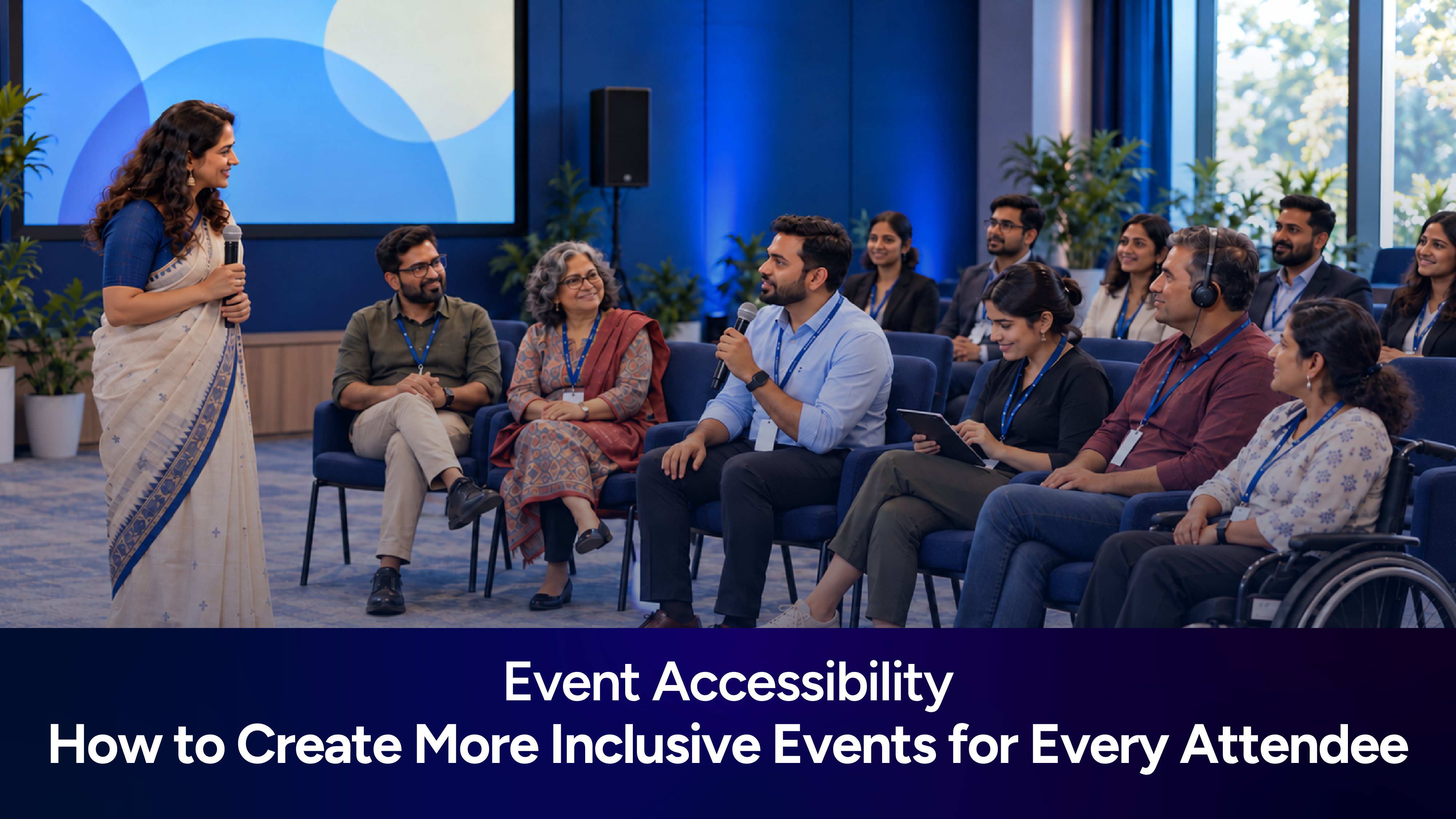
A successful event is one where attendees can participate, connect, and enjoy the experience without unnecessary barriers. However, not everyone experiences an event in the same way. Some attendees may need wheelchair access, while others may rely on captions, readable digital content, or quieter spaces.
Event accessibility means making it easier for people with different abilities and access needs to attend and participate in an event. It covers everything from venue selection and registration to presentations, networking, and communication.
Accessibility should be considered from the beginning, not added as an afterthought. With thoughtful planning, organizers can create accessible events that welcome more people and provide a better experience for everyone.
What Is Event Accessibility and Why Does It Matter?
Event accessibility involves identifying and removing barriers that may prevent people from attending or participating fully. These barriers can be physical, digital, sensory, or related to communication.
For example, an attendee with a mobility impairment may need step-free access, while someone with a hearing impairment may benefit from captions or sign language interpretation.
Accessibility matters because it:
Gives more people an opportunity to participate.
Makes event information easier to access and understand.
Encourages meaningful interaction during sessions and networking.
Helps organizers identify potential barriers before the event.
Supports compliance with applicable accessibility requirements.
The goal is not simply to make an event accessible to enter, but to make it possible for attendees to participate throughout the experience.
How to Plan an Accessible Event From Venue to Attendee Experience
Accessible event planning begins with understanding the attendee journey, from registration to departure.
Choose the right venue
When selecting an accessible event venue, check for step-free entrances, accessible restrooms, suitable seating, elevators, clear signage, and accessible emergency arrangements. Consider parking, public transport, and the distance between the entrance and event spaces.
Visit the venue where possible rather than relying solely on its accessibility claims. A venue may have an accessible entrance but still have rooms or facilities that are difficult to reach.
Understand attendee requirements
Include an optional accessibility question in your registration form so attendees can request arrangements such as captions, interpreters, or accessible seating. Explain how the information will be used and keep it confidential.
Make sure someone is responsible for reviewing and responding to these requests before the event.
Plan the schedule carefully
Allow enough time for attendees to move between sessions and use facilities. Consider regular breaks, accessible routes between rooms, and a quiet space where feasible.
For virtual and hybrid events, check that attendees can access captions, follow presentations, and participate in discussions regardless of how they join.
Event Accessibility Checklist: What Organizers Should Consider
Use this event accessibility checklist to review the essential arrangements before, during, and after an event.
Before the event
Check venue access, restrooms, seating, and emergency procedures.
Provide clear transport, parking, and entrance information.
Review registration forms and event websites for accessibility.
Arrange requested accommodations and communication support.
Brief speakers, staff, and volunteers.
During the event
Keep accessible routes and exits clear.
Provide readable signs and accessible seating.
Use microphones and captions where required.
Allow sufficient time between sessions.
Make support staff easy to identify.
After the event
Collect feedback about accessibility arrangements.
Review issues reported by attendees and staff.
Document improvements for future events.
This checklist is a starting point. The arrangements required will depend on the event, its audience, and applicable accessibility standards.
How to Make Event Registration, Communication, and Technology Accessible
The attendee experience often begins online. If a registration form is difficult to navigate or event information is available only in an image, some people may face barriers before the event even begins.
Keep registration forms simple, use clear field labels, provide understandable error messages, and ensure that forms can be navigated using a keyboard. Use sufficient colour contrast and avoid relying on colour alone to communicate important information.
Event invitations, emails, and schedules should use readable text, descriptive headings, and clear links. Technology also deserves attention. When choosing registration platforms, event apps, or virtual meeting tools, check their compatibility with screen readers, keyboard navigation, captions, and other assistive technologies.
The Web Content Accessibility Guidelines (WCAG) are a useful reference for reviewing digital accessibility. Organizers should identify the standards and legal requirements relevant to their event.
How to Make Sessions, Networking, and Event Activities More Inclusive
Accessibility must continue after attendees arrive. People should be able to follow presentations, ask questions, meet other participants, and take part in activities.
Make sessions easier to follow
Encourage speakers to use microphones, prepare readable slides, and explain important visual information verbally. Provide captions or sign language interpretation where needed, and share presentation materials in advance when possible.
For Q&A sessions, consider allowing attendees to submit questions verbally or in writing. This gives people different ways to participate.
Create comfortable networking opportunities
Networking can be difficult in crowded, noisy spaces. Organize small-group discussions, topic-based tables, and facilitated introductions to help attendees connect more comfortably.
Provide enough space to move around, offer seated networking options, and avoid making participation dependent on approaching strangers or speaking in front of a large group.
Adapt activities when necessary
Consider whether workshops and team activities require standing, quick movement, or particular sensory experiences. Offer alternative ways to participate where practical, such as written responses instead of verbal contributions or digital alternatives to movement-based activities.
Staff and volunteers should also understand how to offer assistance respectfully, without making assumptions about an attendee's needs.
How to Measure and Improve Accessibility for Future Events
Accessibility improvements depend on understanding what worked and where attendees encountered barriers.
After the event, ask specific questions about registration, venue access, sessions, networking, and requested accommodations. Provide an accessible feedback method and allow attendees to respond without disclosing personal medical information.
Review accessibility requests, complaints, and feedback from attendees, speakers, and staff. Useful measures include the number of reported barriers, how quickly requests were addressed, and whether planned accommodations were provided.
However, a low number of complaints does not necessarily mean an event was accessible. Some people may not have attended or may not have felt comfortable reporting a problem.
Use the feedback to create an action plan, assign responsibility for improvements, and review progress before the next event.
Conclusion
Creating inclusive events requires organizers to consider the entire attendee experience, from registration and venue access to sessions and networking.
Start with practical steps: assess the venue, ask about accessibility needs, review digital content, prepare staff, and gather feedback. Not every barrier will be obvious during planning, which makes ongoing evaluation important.
By making accessibility part of every planning decision, organizers can create more welcoming events where attendees have a fair opportunity to learn, connect, and participate.
Frequently Asked Questions
What is event accessibility?
Event accessibility means removing physical, digital, sensory, and communication barriers so people with different abilities can attend and participate in events.
How do you make an event more accessible?
Assess the venue, simplify registration, provide accessible event information, arrange requested accommodations, and offer inclusive ways to participate in sessions and networking.
What should an event accessibility checklist include?
It should cover venue access, restrooms, seating, registration, communication, captions, staff training, emergency arrangements, and post-event feedback.
What event accessibility guidelines should organizers follow?
Organizers should review applicable local accessibility requirements and use resources such as WCAG when assessing websites and digital event experiences.
How can event technology improve accessibility?
Accessible event technology can make registration, schedules, presentations, and audience interaction easier to use. Organizers should test tools with assistive technologies before selecting them.