
Step-by-Step Guide to Creating the Perfect Event Agenda in KonfHub
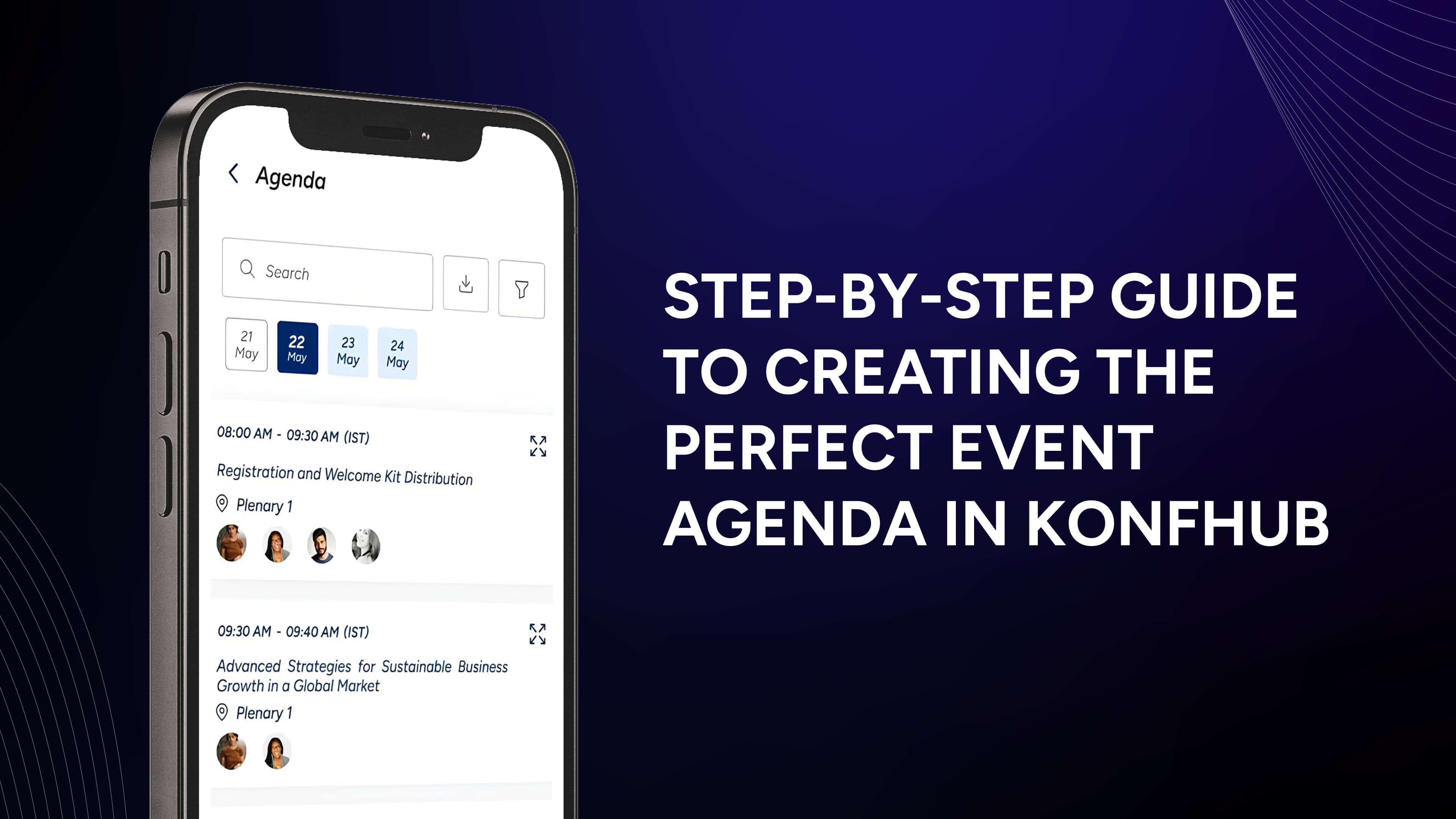
An event agenda is an essential tool for attendees, providing a comprehensive overview of the event’s schedule and activities. It helps participants navigate the event seamlessly, whether they’re networking, attending workshops, or immersing themselves in keynote sessions. Acting as a roadmap, the agenda ensures attendees stay informed and engaged every step of the way.
At KonfHub, we’ve made creating an event agenda incredibly simple and efficient. In this blog, we’ll guide you through the step-by-step process of crafting the perfect agenda using KonfHub.
Overview of Agenda Features
In KonfHub, the agenda section has following attractive features:
Easy to add tracks, speakers, sessions, and session details
Support for multiple tracks and multiple days
Keep a draft and once finalized can publish (using Show & Hide option)
Support for filters, keywords and more
Step #1: Go to Agenda Section for Your Event
To create an agenda for your event, go to your admin dashboard for the event, and select “Event Info -> Agenda” menu option.

Step #2: Select Add Session and Provide Details
Select the day of the event if yours is more than one day. Click on the ”Add Session” button and start filling out the session details.

Step #3: Add Tags & Speakers
Provide optional details like tags and speakers. You can click on “Add Multiple Tags” to add tags in one go.

Step #4: Add Speaker(s)
Super straightforward and easy to add speakers by clicking on “Add Speaker” option when adding a speaker in the dropdown. Or you can add a speaker by navigating to Event Info -> Speakers.

Step #5: Enable Feedback
You can enable feedback for each session to get more detailed insights on the attendee response which will help you to craft your next event perfectly.

Optional Step: Add Filters
For large agendas with multiple stages, kind of talks, etc you may want to add filter(s). You can do so by going to the next tab and clicking on Add Filter.
That’s it - your agenda is now ready to go live. You can click on “Show” toggle and the agenda is now live in your event page. A sample agenda is here.

Try Agenda in KonfHub NOW!
As you can see from this blog, creating an agenda and going live in KonfHub is super easy! All you have to do is head to the Agenda tab in the Event Info and its self-explanatory and straightward to use the functionality. Give it a go now!