Choosing the best event registration software depends on the type of events you organize, how you collect registrations, and what you need to do with attendee data after someone signs up.
Some platforms focus on ticket sales, while others offer conference registration, attendee engagement, membership management, or tools for running large business events. Pricing also varies, so a tool that works well for a small workshop may not be the right choice for a multi-day conference.
In this guide, we compare seven event registration platforms: KonfHub, Eventbrite, Whova, Wild Apricot, Bizzabo, Brown Paper Tickets, and Ticketbud. We cover their key features, best-fit use cases, pricing considerations, and limitations to help you shortlist the right option.
Whether you are organizing a paid conference, a community event, a business workshop, or a recurring membership event, use this comparison to find software that fits your requirements and budget.
How to Choose the Best Event Registration Software
Before choosing a platform, identify the features you need for your event type, registration volume, and budget.
AI Capabilities
AI capabilities are becoming essential for event tech platforms, enabling organizers to deliver smarter, more personalized attendee experiences, automate repetitive tasks, and make data-driven decisions that maximize event engagement and operational efficiency.
Registration Forms and Custom Fields
Check whether you can customize registration forms, collect the information you need, and make specific fields mandatory.
Ticketing and Payment Processing
For paid events, compare ticket types, discount codes, payment gateways, refunds, and transaction fees. Check whether the platform supports the payment methods available in your region.
Attendee Management and Communication
Look for attendee lists, registration status tracking, confirmation emails, reminders, and tools for communicating event updates.
Check-In and On-Site Registration
If you organize in-person events, check for QR code scanning, mobile check-in, attendance tracking, and on-site registration.
Integrations and Reporting
Determine whether the platform connects with your CRM, email marketing tools, or analytics systems. Check which registration, ticket sales, and campaign performance reports are available.
Pricing and Support
Compare subscription costs, per-ticket fees, payment processing charges, and any additional costs for premium features. Also check the support options available when you need help.
Key features to look for in an event registration software
Planning and managing an event involves numerous tasks, and one critical aspect is selecting the right event registration platform.
This choice can significantly impact the attendee experience, streamline your workflow, and contribute to the overall success of your event.
With a myriad of options available, it's essential to identify the key features that will make your event registration process seamless and efficient.
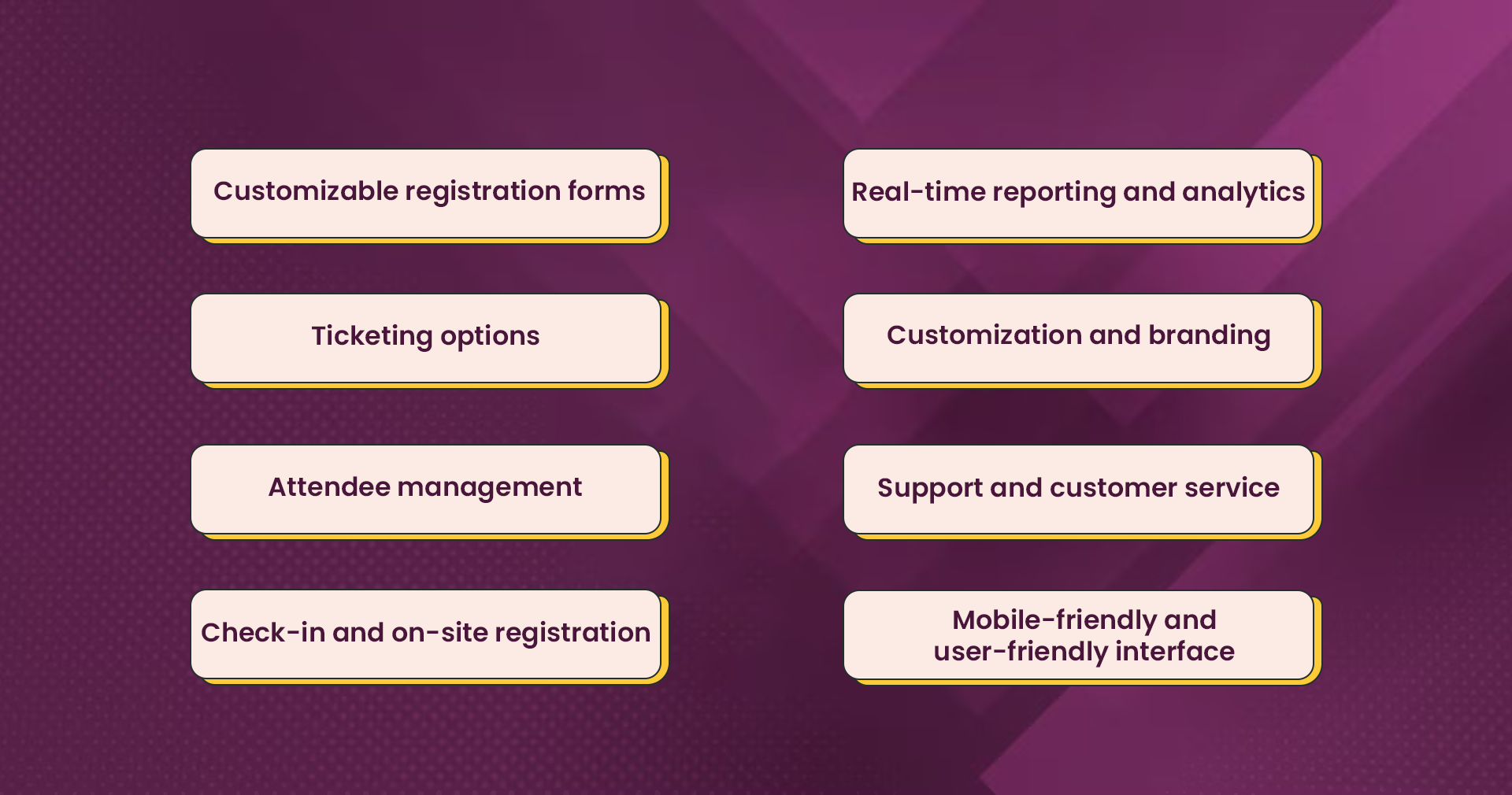
Here are some key features to consider when selecting an event registration platform.
- Customizable registration forms
- Ticketing options
- Attendee management
- Check-in and on-site registration
- Real-time reporting and analytics
- Customization and branding
- Support and customer service
- Mobile-friendly and user-friendly interface
Let’s take a closer look at why these features are a must-have.
1. AI Capabilities
AI capabilities are becoming essential for event tech platforms, enabling organizers to deliver smarter, more personalized attendee experiences, automate repetitive tasks, and make data-driven decisions that maximize event engagement and operational efficiency.
AI capabilities such as AI Networking, AI Concierge, AI Photo Booth, AI-powered Photo Galleries, and face-recognition-based check-ins are transforming event tech platforms by enabling personalized attendee experiences, faster event operations, and smarter engagement throughout the event lifecycle.
2. Customizable registration forms
A stellar event registration platform should provide you with the ability to create customized registration forms tailored to your event's unique requirements.
The platform should offer flexibility in adding custom fields, setting validation rules, and gathering all the necessary information from attendees.
This allows you to collect relevant data and streamline the registration process.
3. Ticketing options
Look for a platform that offers versatile ticketing options to accommodate your event's needs. It should enable you to create different ticket types, set prices, and incorporate discounts or promotional codes.
A seamless integration with various payment gateways ensures a secure and convenient ticket-purchasing process for your attendees.
4. Attendee management
Effective attendee management is crucial for a successful event. The platform should provide comprehensive attendee management features, allowing you to track registrations, manage attendee data, handle cancellations and refunds, and communicate with attendees easily.
These features enable you to stay organized and provide personalized support to your attendees.
5. Check-in and on-site registration
Simplify the check-in process and enhance the on-site experience with a platform that offers check-in apps or tools.
Features like QR code scanning, badge printing, and real-time attendance tracking facilitate smooth on-site registration, ensuring a seamless entry for attendees and minimizing wait times.
6. Real-time reporting and analytics
You should be able to gain valuable insights into your event's performance with robust reporting and analytics features. Look for a platform that offers detailed reports on ticket sales, registration trends, attendee demographics, and preferences.
These insights empower you to evaluate event success, make data-driven decisions, and continuously improve future events.
7. Customization and branding
Select a platform that allows you to customize the registration experience to align with your brand. This includes branding options for registration forms, event pages, and email communications.
Consistent branding enhances your event's professionalism, establishes brand recognition, and creates a cohesive attendee experience.
8. Support and customer service
Prioritize a platform that offers reliable customer support and assistance. Prompt and knowledgeable customer service, along with comprehensive documentation and resources, ensures that you have the necessary support throughout the event registration process, guaranteeing a smooth and successful experience.
9. Mobile-friendly and user-friendly interface
In today's mobile-driven world, it's crucial for the platform to have a mobile-friendly interface that provides a seamless registration experience on smartphones and tablets.
Additionally, a user-friendly interface with intuitive navigation and clear registration steps simplifies the process for both organizers and attendees, leading to higher engagement and satisfaction.
Also Read: 13 Event Promotion Ideas: How To Promote An Event Easily
Best Event Registration Software at a Glance
Software | Best Suited For | Key Strengths | Pricing Model |
KonfHub | Events requiring registration and event-day management | AI Capabilities, ticketing, attendee communication, check-in | Verify current pricing |
Eventbrite | Public events and ticket sales | Event discovery, registration, ticketing | Verify current pricing and fees |
Whova | Conferences and professional events | Attendee engagement and networking | Verify current pricing |
Wild Apricot | Clubs and membership organizations | Membership and recurring event management | Verify current pricing |
Bizzabo | Business and enterprise events | Event marketing and event management | Verify current pricing |
Brown Paper Tickets | Community and performance events | Ticket sales and event listings | Verify current pricing and availability |
Ticketbud | Organizers seeking straightforward event ticketing | Event pages, ticket sales, registration analytics | Verify current pricing |
7 Best Event Registration Software for Easy Event Management
We have compiled a selection of the seven best event registration software solutions available. These software platforms have been carefully chosen based on their comprehensive features, user-friendly interfaces, robust customization options, and affordable prices.
Whether you're organizing a small conference, a large-scale trade show, or any event in between, this list will guide you toward the most reliable and efficient event registration software to make your event a resounding success.
- KonfHub
- Eventbrite
- Whova
- Wild Apricot
- Bizzabo
- Brown Paper Tickets
- Ticketbud
Let’s dive deeper into each software.
1. KonfHub

KonfHub is an AI-powered event management platform for organizers who need to manage registrations, ticketing, attendee communication, and event-day operations in one place. It can be considered for conferences, workshops, community events, and other events that need a combination of registration and attendee management tools.
Key features
- Registration and ticketing: Create different ticket types, configure access codes, manage waitlists, and offer discounts.
- Event pages: Create customizable event pages using ready-made templates.
- Attendee communication: Send event updates through supported channels such as email, WhatsApp, and SMS.
- Check-in: Scan attendee QR codes, handle on-site registrations, and manage event entry using the check-in app.
- Reporting: Monitor registrations, ticket sales, and campaign performance using available analytics and UTM tracking.
- Attendee engagement: Use features such as live quizzes, feedback forms, and digital certificates where relevant.
- Sponsor management: Use the sponsor app to support sponsor visibility, attendee interactions, and lead tracking.
- AI capabilities: Numerous AI capabilities including AI Concierge, AI Networking, AI photo booth, and AI Photo Gallery.
Best for: Organizers looking for registration, ticketing, attendee communication, and event-day management in one platform.
What to check before choosing: Review the current pricing, payment processing charges, available integrations, and the specific features included in your intended plan.
2. Eventbrite

Eventbrite is a widely-used event registration software that caters to various industries, including entertainment, social events, classes, charity, and business conferences.
Its user-friendly interface and familiarity make it a popular choice among organizers, although some find its fees to be on the higher side.
Eventbrite offers a range of features that include registration management, ticket management, attendee management, social promotion, and online booking. It provides convenient access through its web-based platform and mobile app.
Pros:
- Versatility: Eventbrite is suitable for events of all types and sizes, from small social gatherings to large conferences. Being a well-known platform, many users are already acquainted with Eventbrite and its functionalities.
- Accessibility: Eventbrite can be accessed both online and through its mobile app, ensuring convenience for organizers and attendees. Organizers can easily publicize their events by integrating Eventbrite with popular social media platforms.
Cons:
- Limited attendee engagement: While Eventbrite excels in online event registration, it lacks robust attendee engagement features, which may hinder the overall event experience.
- Increasing fees: Over time, the fees associated with Eventbrite have steadily risen, which might be a concern for some organizers.
Pricing:
- Essentials plan: Free for free events, charges apply for paid tickets (2% + $0.79 per paid ticket).
- Professional plan: Free for free events, charges apply for paid tickets (3.5% + $1.59 per paid ticket).
- Premium plan: Custom pricing, contact Eventbrite directly for details.
Note: The Premium plan offers additional features and personalized consultations with the Eventbrite events team.
3. Whova

Whova's conference registration software stands out with its affordability and high-quality features, including support for early payout. With Whova, you can easily create tickets, add-ons, discount codes, and group tickets.
The software offers advanced features that enhance attendee engagement and networking through the event app. Additionally, it provides a range of time-saving event management tools for busy organizers.
Whova also offers additional features such as no-code event website creation, sales, and attendance tracking, social media event promotion, name badge design and generation, and contactless event check-in using QR code scanning.
Pros:
- Enhanced attendee engagement: Whova excels in boosting attendee engagement and networking through its event app, providing a platform for participants to actively participate and connect with each other.
- Time-saving event management: From sales and attendance tracking to social media event promotion, Whova offers a suite of event management tools to facilitate seamless event management.
Cons:
- Limited suitability: Whova may not be the ideal choice for events with fewer than 50 attendees or for specific types of events such as weddings or parties, as its features are primarily tailored for conferences and similar professional gatherings.
Pricing:
Whova offers free usage for events that are free of charge.
For paid events, pricing details can be obtained by directly contacting Whova through the request form on their pricing page, allowing organizers to receive personalized pricing information based on their specific event requirements.
4. Wild Apricot

Wild Apricot is a comprehensive membership management tool specifically designed for clubs, associations, and nonprofit organizations.
Alongside its event registration capabilities, it offers customizable web templates and event promotion features targeted at engaging members throughout the year.
Pros:
- Support for small and regular gatherings: Wild Apricot caters to the needs of small and regular events, making it a suitable option for organizations with ongoing activities. It offers flexible pricing options tailored to different types and sizes of organizations.
Cons:
- Limited fit for annual events: If you are organizing an annual event without the need for ongoing membership management, Wild Apricot may not be the most suitable choice.
- Not ideal for large events or multi-language registration: Wild Apricot is not designed to support large-scale events and lacks multi-language registration forms, which may pose challenges for organizers planning events in Asian regions or requiring multi-language support.
Pricing:
Wild Apricot’s pricing depends on the number of members you have.
For example, 500 Members = $50/month and 2,000 Members = $160/month
- Free Trial: Wild Apricot also offers a free trial for users to explore its features before committing to a subscription. Available for up to 50 contacts.
- Monthly Subscriptions: Wild Apricot operates on a monthly subscription model.
Note: Wild Apricot is designed for managing year-round membership for clubs and associations, hence the pricing structure reflects this focus.
5. Bizzabo

Bizzabo is a powerful all-in-one event software platform designed to facilitate the organization and management of online, in-person, and hybrid events.
With Bizzabo, you can create customized event registration forms, allowing you to collect relevant attendee data.
The platform also offers branding customization options to ensure consistency with your event marketing materials.
Pros:
- All-in-one event management: Bizzabo offers a comprehensive platform for managing online, in-person, and hybrid events, simplifying the event planning process.
- Customization and branding: Bizzabo allows organizers to customize event registration forms and branding, providing a personalized experience for attendees.
Cons:
- Pricing: Some users have mentioned that the pricing of Bizzabo may be relatively high compared to other event management platforms.
- Mobile app user-friendliness and customization: Certain users have expressed that the mobile app provided by Bizzabo could benefit from improved user-friendliness. They have also suggested that offering more customization options within the app would enhance the overall user experience
Pricing:
You will have to contact Bizzabo to set up a demo and request pricing info.
6. Brown Paper Tickets

When it comes to organizing charity and fundraising events, Brown Paper Tickets stands out as a reliable event registration platform.
It offers a range of features designed to support such events, including the ability to collect donations without any service fees and free ticket shipping.
Additionally, event organizers have the option to list their concerts, classes, festivals, parties, and more in the extensive event directory provided by Brown Paper Tickets.
Pros:
- Charity and non-profit events: Brown Paper Tickets works seamlessly for charity events, performances, and various non-profit and school-related gatherings, making it an ideal choice for organizations in these sectors.
- Streamlined online ticket sales: The software enables ticket sales directly through the organizer's website, employing a user-friendly two-step checkout process that ensures quick and efficient purchases.
Cons:
- Limited applicability to large conferences: Brown Paper Tickets may not be the most suitable option for mid- or large-scale conferences, as its features are primarily tailored to other types of events.
Pricing:
Brown Paper Tickets offers its platform for free to event organizers, allowing them to host events without incurring any charges.
However, attendees are subject to a service fee of $0.99 plus 5% of the ticket price when purchasing tickets through the platform.
7. Ticketbud

Ticketbud is a user-friendly solution for hassle-free event ticketing and registration. With a simple setup process and no long-term contracts, it provides convenience and flexibility.
Focused on essential ticketing and registration services, Ticketbud offers valuable features to enhance your event experience. You can create a customized event website, promote your event through social media integration, and gain insights from registration analytics.
It is easy to streamline your ticketing and registration process with Ticketbud, saving time and effort while ensuring a seamless experience for attendees.
Pros:
- Easy to set up and use: Users have praised Ticketbud for its user-friendly interface and ease of setup. The software allows for quick and hassle-free event page creation and ticket sales.
- Excellent customer service: Ticketbud has received positive feedback regarding its customer service. Users have highlighted the helpful and responsive support team that assists with setup, pricing, and other inquiries.
- Competitive pricing: Compared to other platforms, Ticketbud offers better value by providing lower service charges. Organizers can choose to pass on service charges to attendees or incur them at a much lower rate.
Cons:
- Limited advanced features: Ticketbud is considered relatively basic in terms of features and customization options. It may lack advanced functionalities and the ability to collect custom information, making it more suitable for beginner-level users or simpler event requirements.
Pricing:
Free for free events: If you're hosting a free event, Ticketbud offers free usage, allowing you to manage ticketing and registration without any cost.
Flat rate for paid events: For paid events, Ticketbud charges a simple and transparent pricing structure:
- Ticketing fee: 2% of the ticket price plus $0.99 per ticket.
- Payment processor fee: An additional 2.9% fee, ensuring secure payment processing.
Discount for Nonprofits: Nonprofit organizations can benefit from discounted rates on ticketing fees, providing cost-saving opportunities.
Bonus Read: 10 Best Event Ticketing Software for Easy Event Management
Which Event Registration Software Should You Choose?
The best event registration software depends on the type of events you organize and the features you need. Some platforms focus on ticket sales, while others are designed for conferences, membership organizations, or broader event management workflows.
Before making a decision, compare the registration experience, payment options, attendee management features, integrations, and total cost of each platform. If you run events regularly, consider how easily the software can support your workflow as your events grow.
KonfHub is worth evaluating if you need event registration, ticketing, attendee communication, and check-in tools in one platform. Review its current features and pricing against your requirements before deciding whether it is the right fit.
Enjoy all the benefits of a great event registration software with KonfHub
The choice of event registration software will ultimately depend on various factors, including the type of events you organize, your budget, desired functionalities, and overall objectives. It is essential to choose a software solution that aligns with your specific requirements and empowers you to streamline event management processes.
KonfHub emerges as a comprehensive solution that simplifies every aspect of event registration. From flexible pricing options and customizable ticketing to efficient communication, seamless organization, smooth registrations, and overall event management, KonfHub delivers on its promises.
Schedule a demo with KonfHub today and see how you can make your event registration process effortless and efficient!
FAQs About Event Registration Software
What is the best event registration software in 2026?
The best event registration software depends on your event type, budget, and operational needs. KonfHub and Eventbrite are options to evaluate for registration and ticketing, while Whova is worth considering for conferences and attendee engagement. Compare features, pricing, integrations, and check-in capabilities before making a decision.
What features should I look for in event registration software?
Look for customizable registration forms, ticketing options, payment processing, attendee management, automated confirmation emails, and registration reports. If you organize in-person events, check for QR code check-in and on-site registration. CRM integrations and campaign tracking can also be useful for business events.
Is there free event registration software?
Yes, some platforms offer free options for free events, while others charge transaction or payment processing fees for paid tickets. Before choosing a platform, check whether the free option includes the features you need and whether additional charges apply to ticket sales, payments, or premium tools.
How do I choose event registration software for conferences?
For conferences, prioritize customizable registration forms, multiple ticket types, attendee communication, check-in tools, and registration reporting. If networking and attendee engagement are important, compare platforms that offer event apps or interactive features. Also consider the expected number of attendees and the complexity of your event schedule.
Can event registration software integrate with a CRM?
Some event registration platforms offer native CRM integrations, while others support third-party automation tools or API connections. These integrations can help transfer attendee information into your CRM, organize leads, and support post-event follow-ups. Confirm that the platform supports your specific CRM and required data fields before subscribing.
What is the difference between event registration software and event management software?
Event registration software primarily handles signups, attendee information, ticketing, and registration communication. Event management software can cover a broader set of activities, including event websites, attendee check-in, scheduling, reporting, and sponsor management. Many modern platforms combine both sets of capabilities.
About the author
KonfHub is an AI-powered, GDPR-compliant platform for seamless ticketing, secure attendee management, and smooth event operations. Say goodbye to complexity and hello to seamless, powerful event management!
Comments
Join the discussionNo comments yet. Be the first to comment.